
Consistent Character AI Generator

Generate the Same Character in Different Scenes

Upload one character reference and describe a new scene. CharacterLock AI creates a new image guided by your character’s face, hairstyle, outfit, and proportions.

Create from reference

Upload reference image

PNG, JPG, WebP

Default reference character example
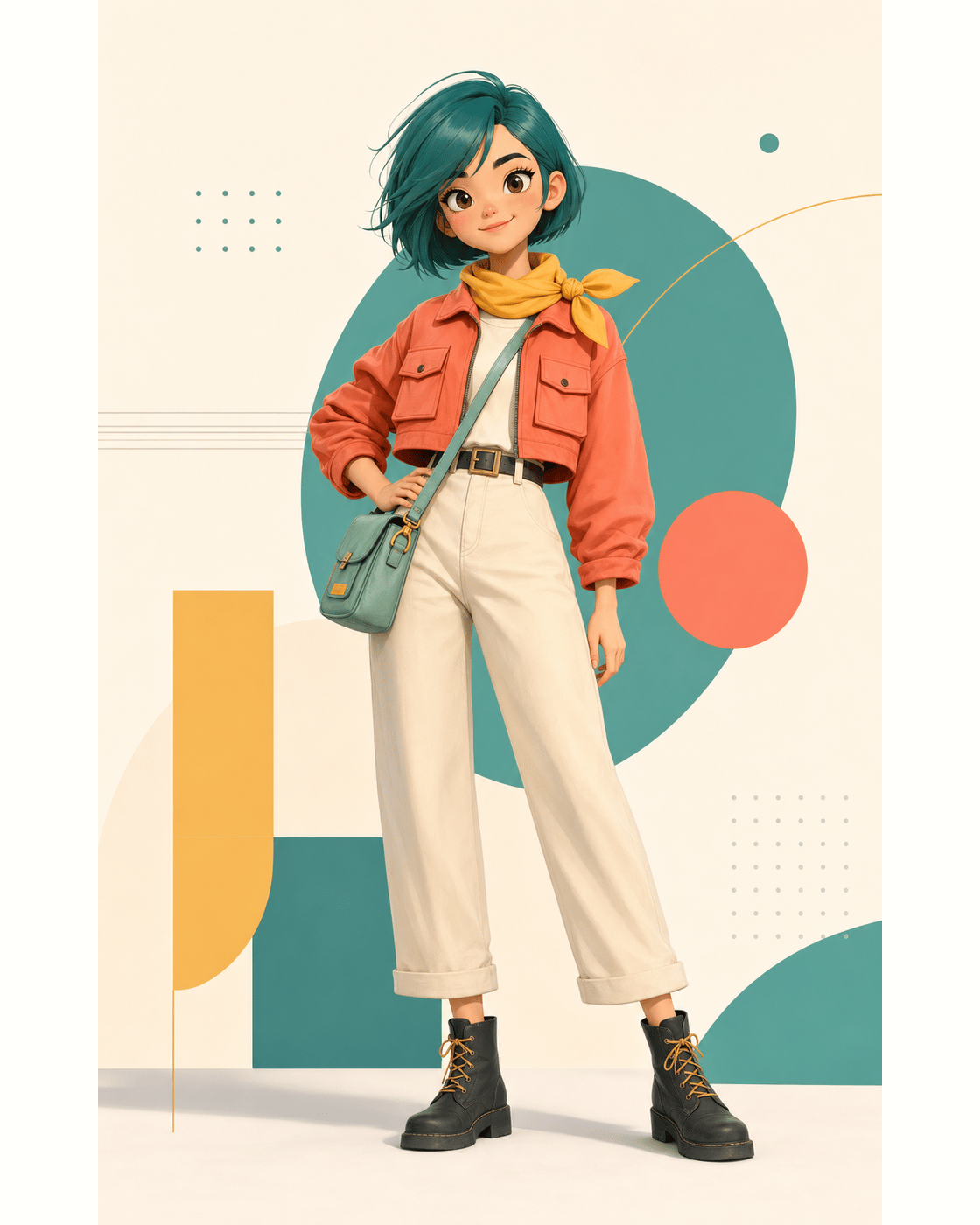
Mascot example image
Example
Mascot
Currently showing a scene example. Upload your own character to generate a new image with this setup.

Example gallery

What You Can Create with Consistent Character AI

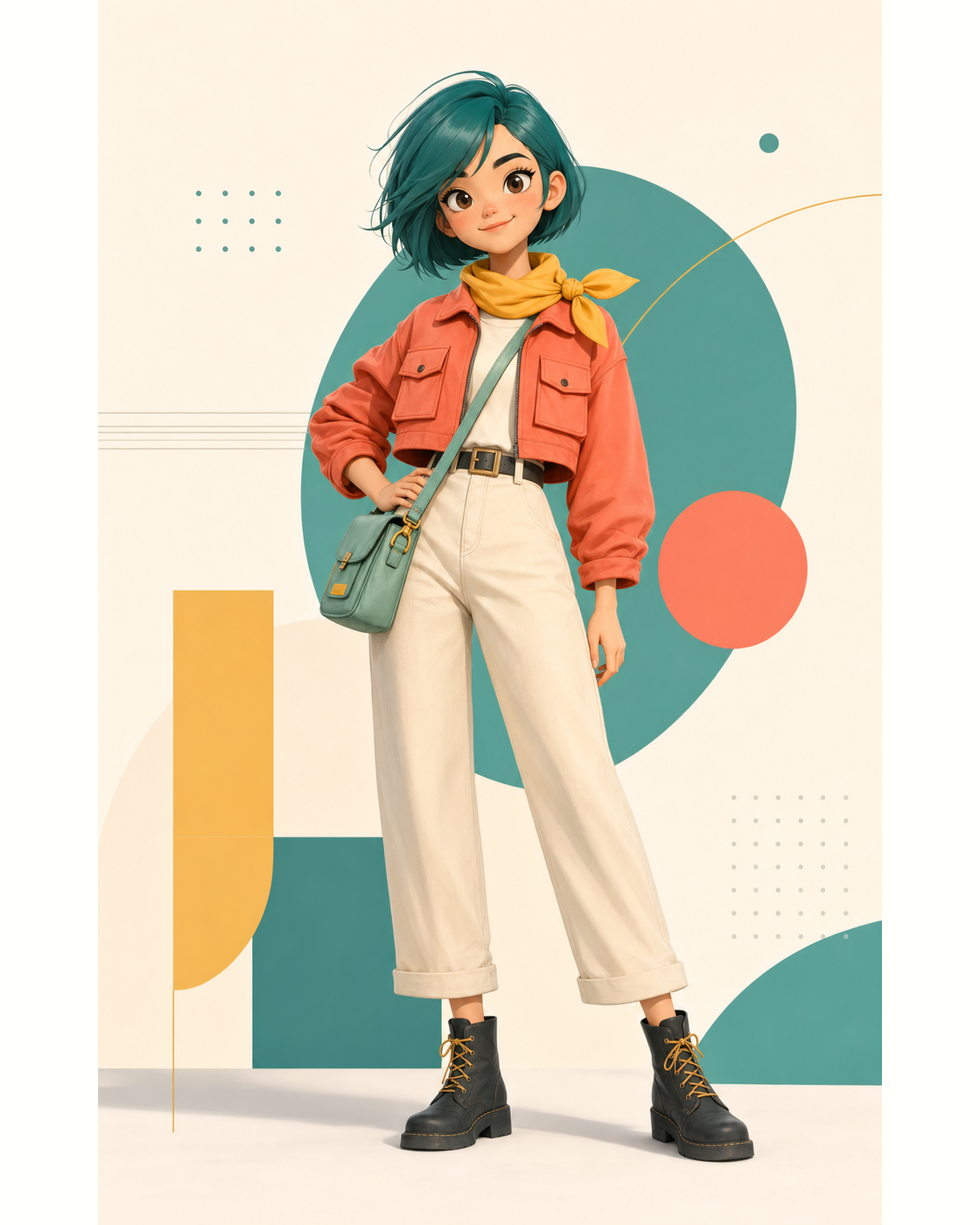
Start with concrete outputs: mascot posters, anime scenes, Webtoon panels, game NPC concepts, story pages, and storyboard beats from one character reference.

Mechanism

How to Keep Your Character Consistent Across Images

Use the same reference for every scene. Describe what should change, then review the face, hair, outfit, and proportions before creating the next image.

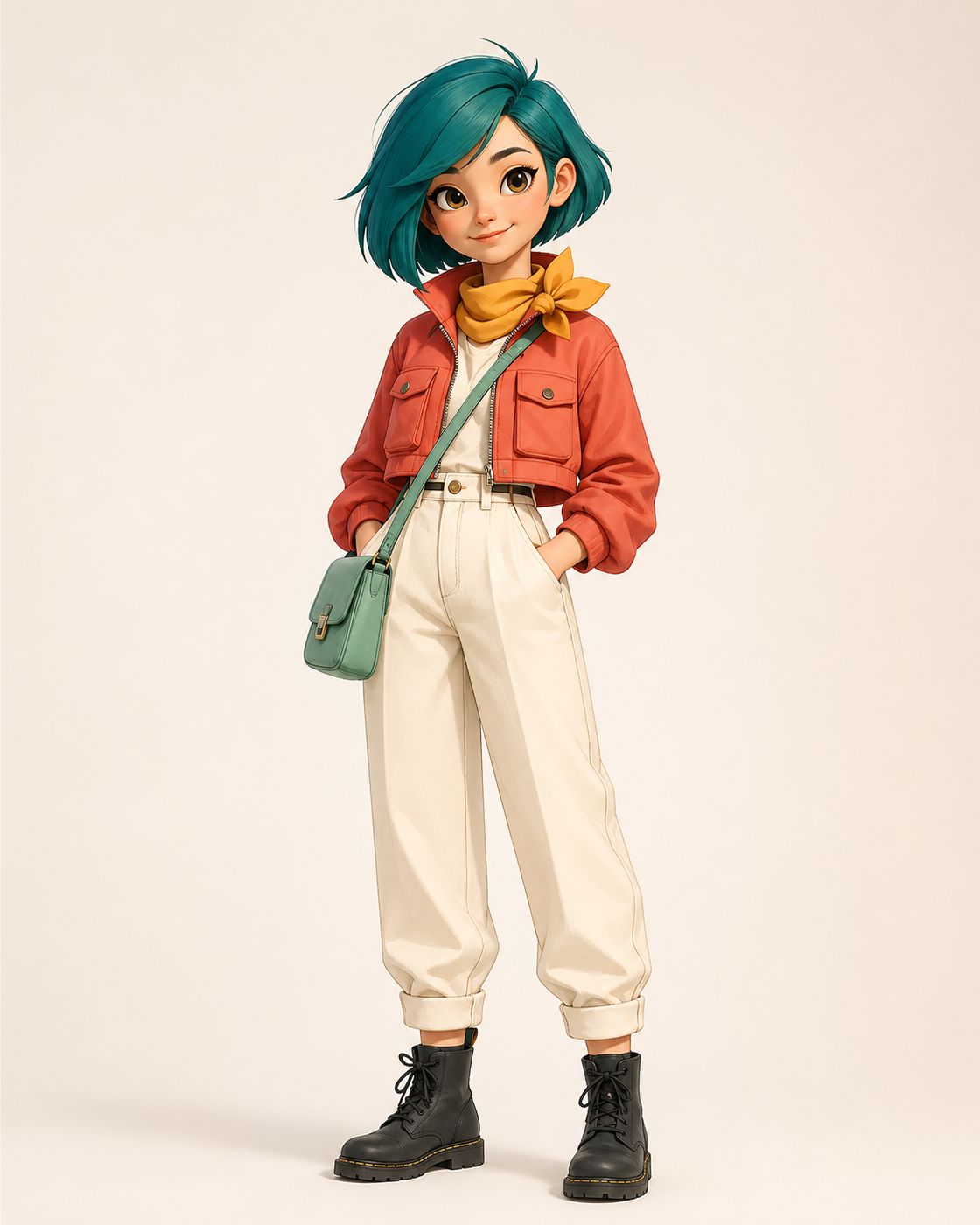
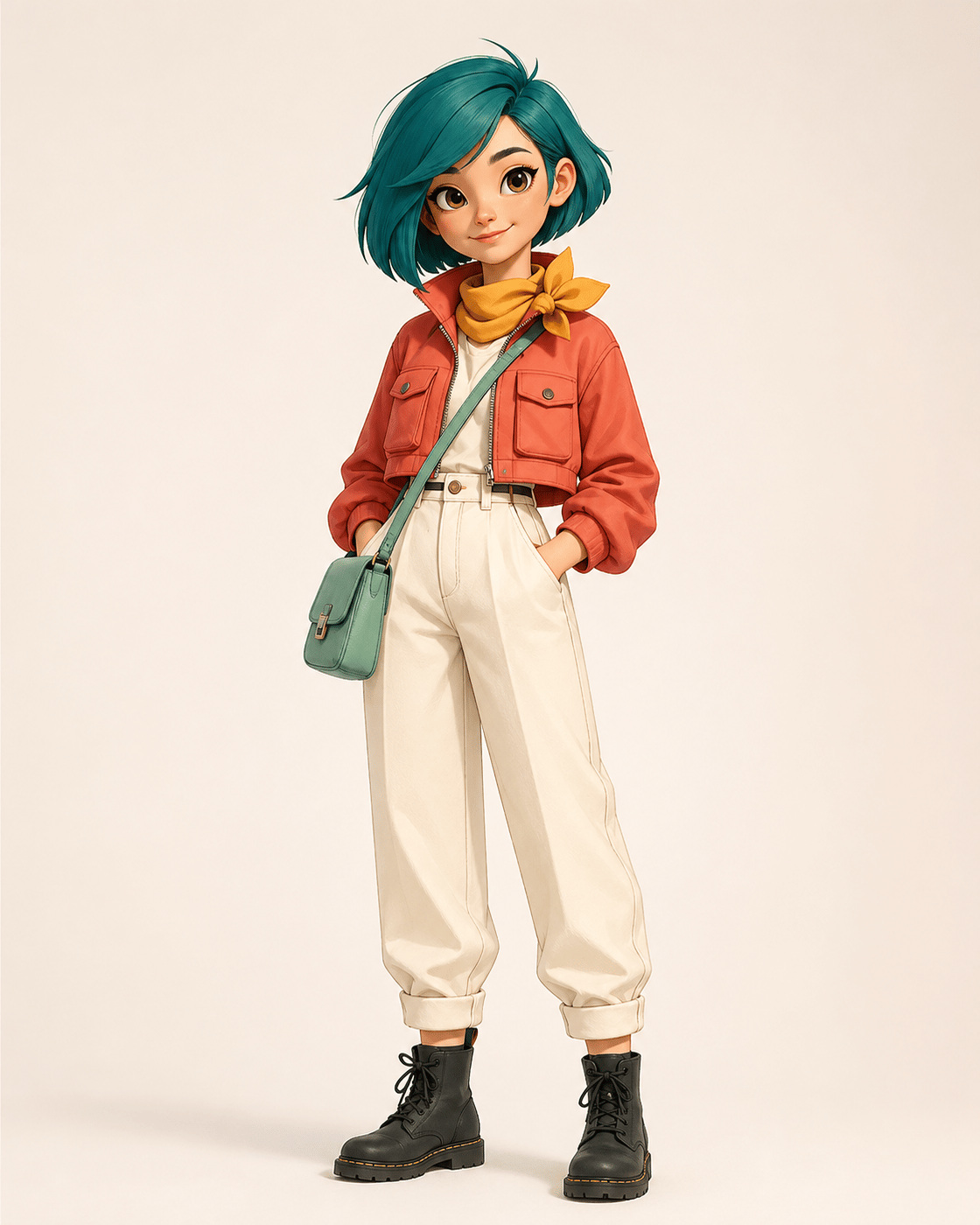
Reference portrait used as the identity anchor for consistent character AIReference

Start from one clear character image

The reference image acts as the identity anchor. A front-facing portrait, mascot sheet, anime design, or full-body character concept gives the workflow concrete visual signals instead of relying on prompt memory alone.
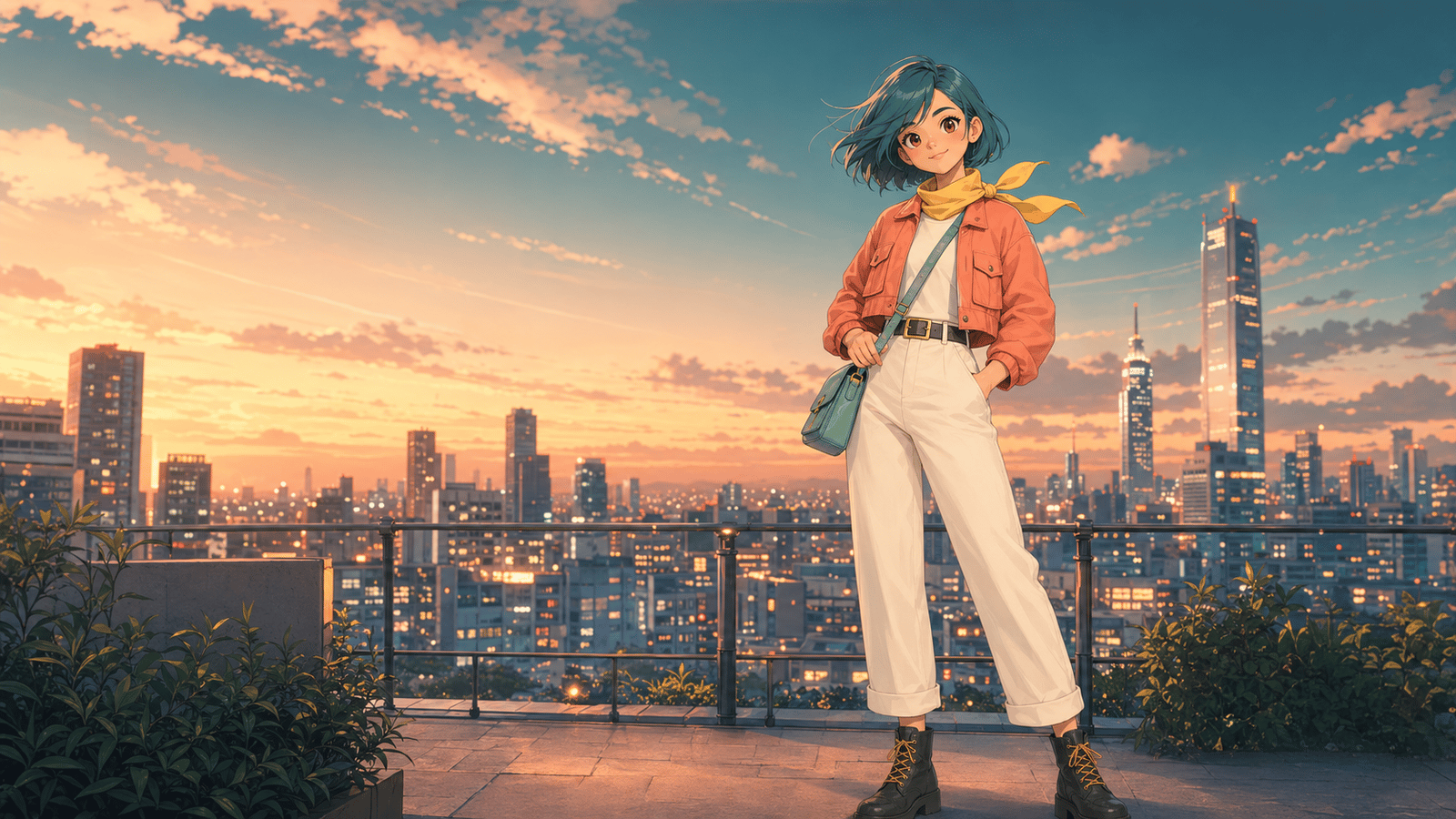
Consistent character output in a new anime sceneOutput

Generate one scene-ready visual

Create one still image from your character reference and scene prompt. Use the same reference again to explore another scene.

Character identity lock preserving face, outfit, silhouette, and paletteIdentity

Lock the details that must not drift

Identity focus controls make the important anchors explicit: face structure, hairstyle, outfit details, silhouette, body proportions, and color palette. These details are repeated in the prompt to reduce visual drift.

Creator pain

Why Consistent Character AI Needs More Than Prompts

A recurring character needs to stay recognizable as the setting, pose, or expression changes. Compare each result with your original reference before using it in a story or project.

Face drift breaks recognition

A character can change eye spacing, jaw shape, age, or expression language between generations, making it unusable for stories, games, and campaign visuals.

Outfit drift breaks continuity

Even small changes to jackets, badges, shoes, props, or color blocking can make a character feel like a new design instead of the same identity.

Style drift slows production

Teams waste review time rewriting prompts, comparing outputs, and asking artists to repair assets that should have stayed consistent from the beginning.

How to Use Consistent Character AI

A compact three-step flow for producing one consistent character image from a reference-first prompt.

Step 1

Upload the strongest reference

Choose the clearest image of the character you want to reuse. A portrait, full-body design, mascot sheet, or character turnaround works best because it exposes identity anchors the model can preserve.

Step 2

Describe the target scene

Write the new pose, expression, camera angle, background, and intended asset type. Then repeat the locked identity details so the prompt reinforces what should stay unchanged.

Step 3

Review one consistent result

Generate one image for the chosen scene, then review whether the face, hair, outfit, silhouette, and palette still read as the same character.

Use cases

Where Consistent Character AI Fits Best

Use cases explain where character continuity matters after the examples show what the generator can create.

Prompt templates

Consistent Character AI Prompt Patterns

Each template repeats the identity lock in natural language so the reference, scene, and output request point in the same direction before generating the final image.

Anime key visual

Scene change without character redesign

Use this when the background, pose, and lighting should change but the protagonist must remain recognizable.

Same character as reference, same face, same hairstyle, same outfit silhouette, anime key visual, dramatic sky, confident pose, clean line art, consistent color palette.

Webtoon panel

Panel action with stable identity

Useful for vertical comic moments where expression and staging change but the reader should identify the character instantly.

Use the reference character identity, same face and hair, same jacket details, vertical Webtoon panel, walking through a bright doorway, expressive but consistent design.

Game NPC

Production concept with continuity

Frame the character as an asset concept and specify what parts of the design are not allowed to drift.

Reference-locked game NPC portrait, same character proportions, same color palette, same outfit details, stylized adventure town, friendly guide pose, polished concept art.

Consistent Character AI FAQ

Clear expectations for one-image output, identity anchors, and the consistent character AI workflow.

It creates one still image from a character reference and a scene prompt. Use it to explore a recurring character in a new setting, pose, or expression.